Features
Everything MindIO does.
From capturing a stray thought to publishing a finished piece.
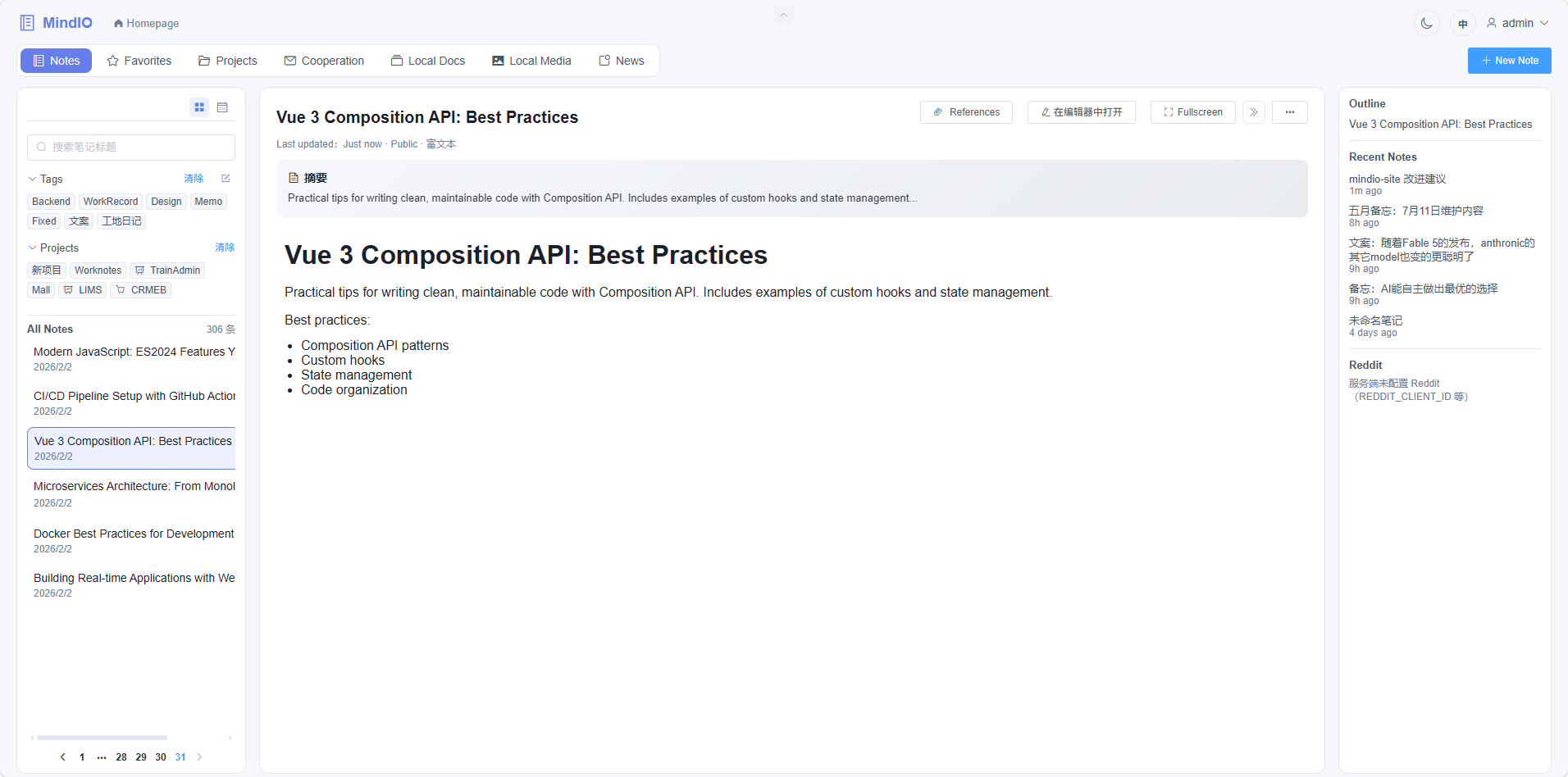
Everything you capture — notes, screenshots, documents, audio, video, links — lands in one place, instantly.
Capture
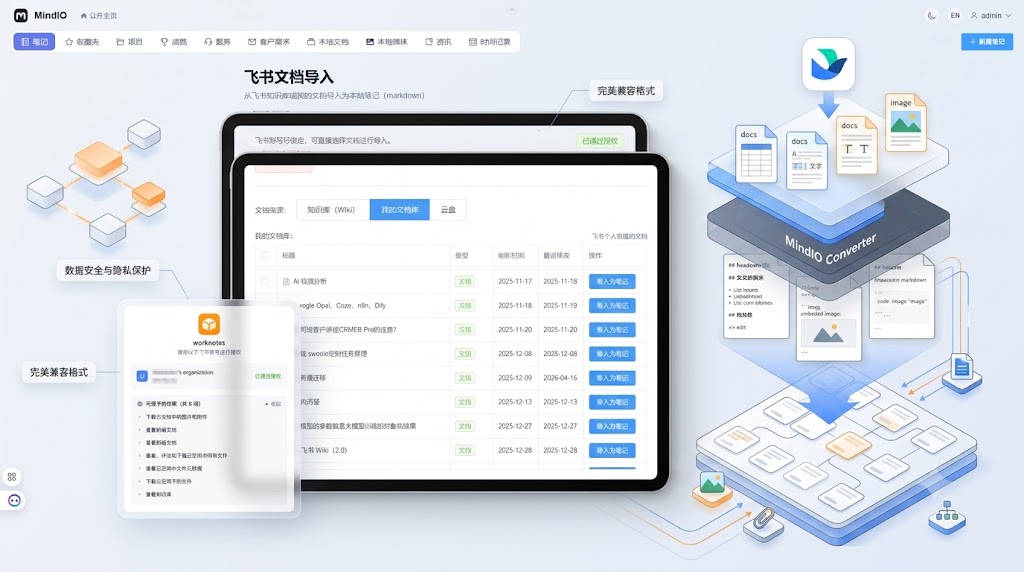
Import Feishu docs
Bring your Feishu/Larksuite docs into MindIO without manual copy-paste.
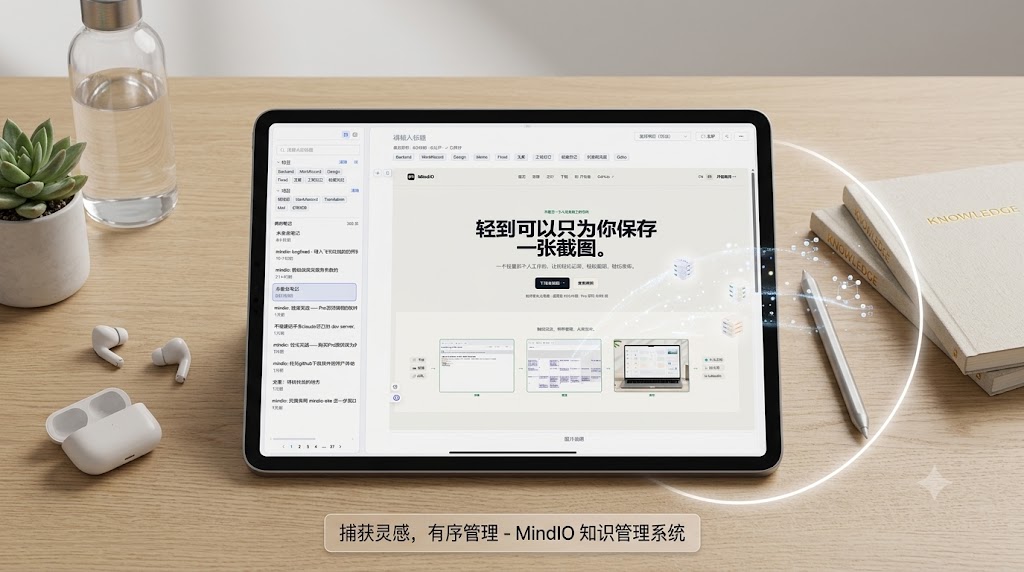
Screenshot capture
Capture screenshots straight into your notes.
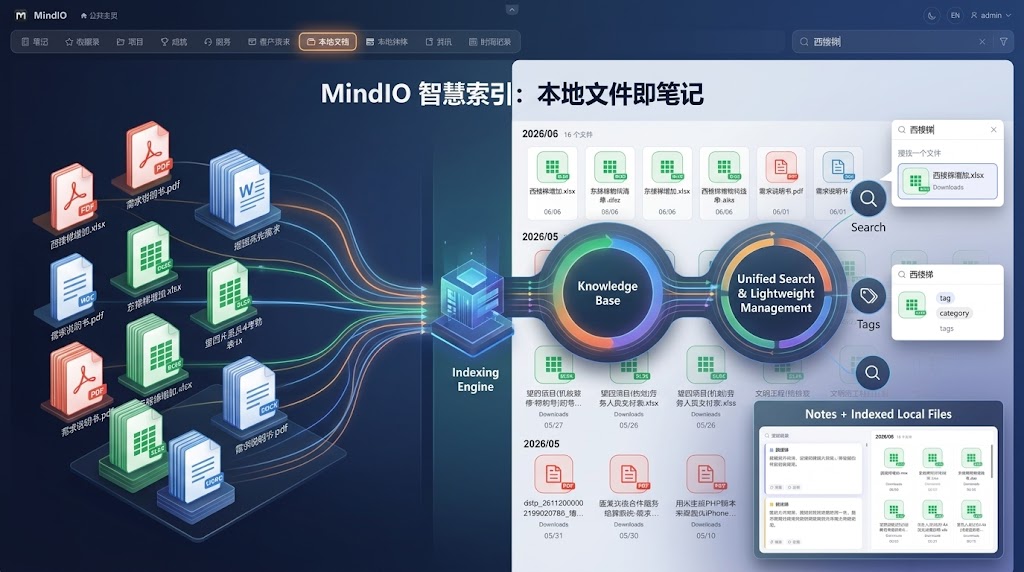
Local document index
Index local documents so they show up alongside your notes.
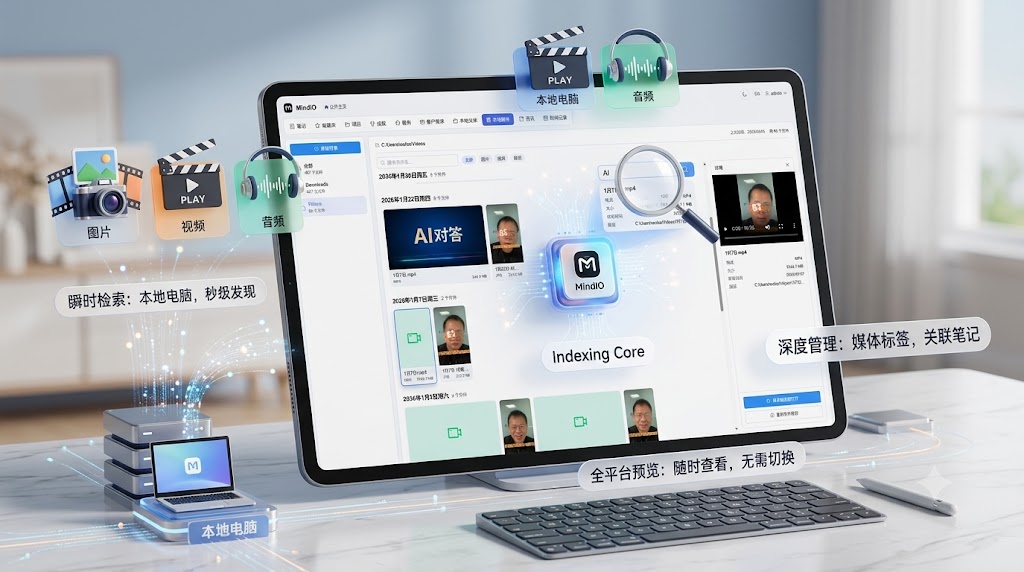
Local audio & video index
Index local audio and video files for quick lookup.
Edit
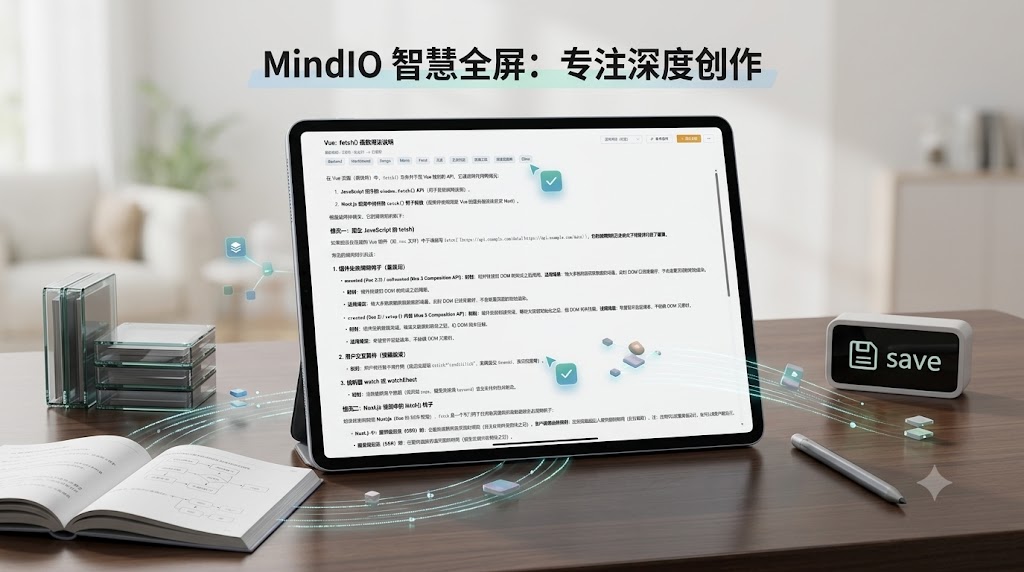
Full-screen editing
Switch to full-screen mode for focused writing.
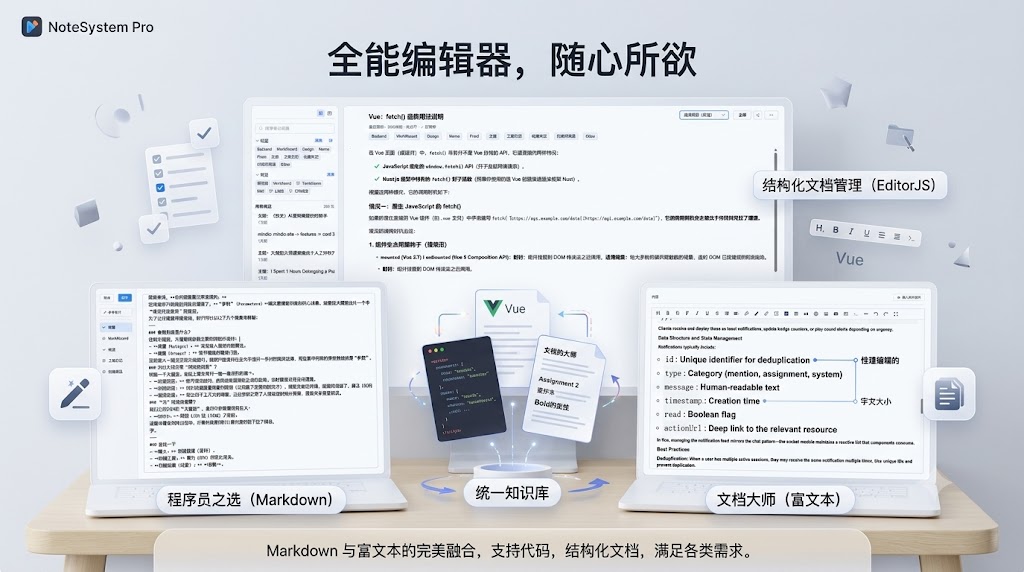
Screenshot markup
Mark up screenshots directly inside the editor.
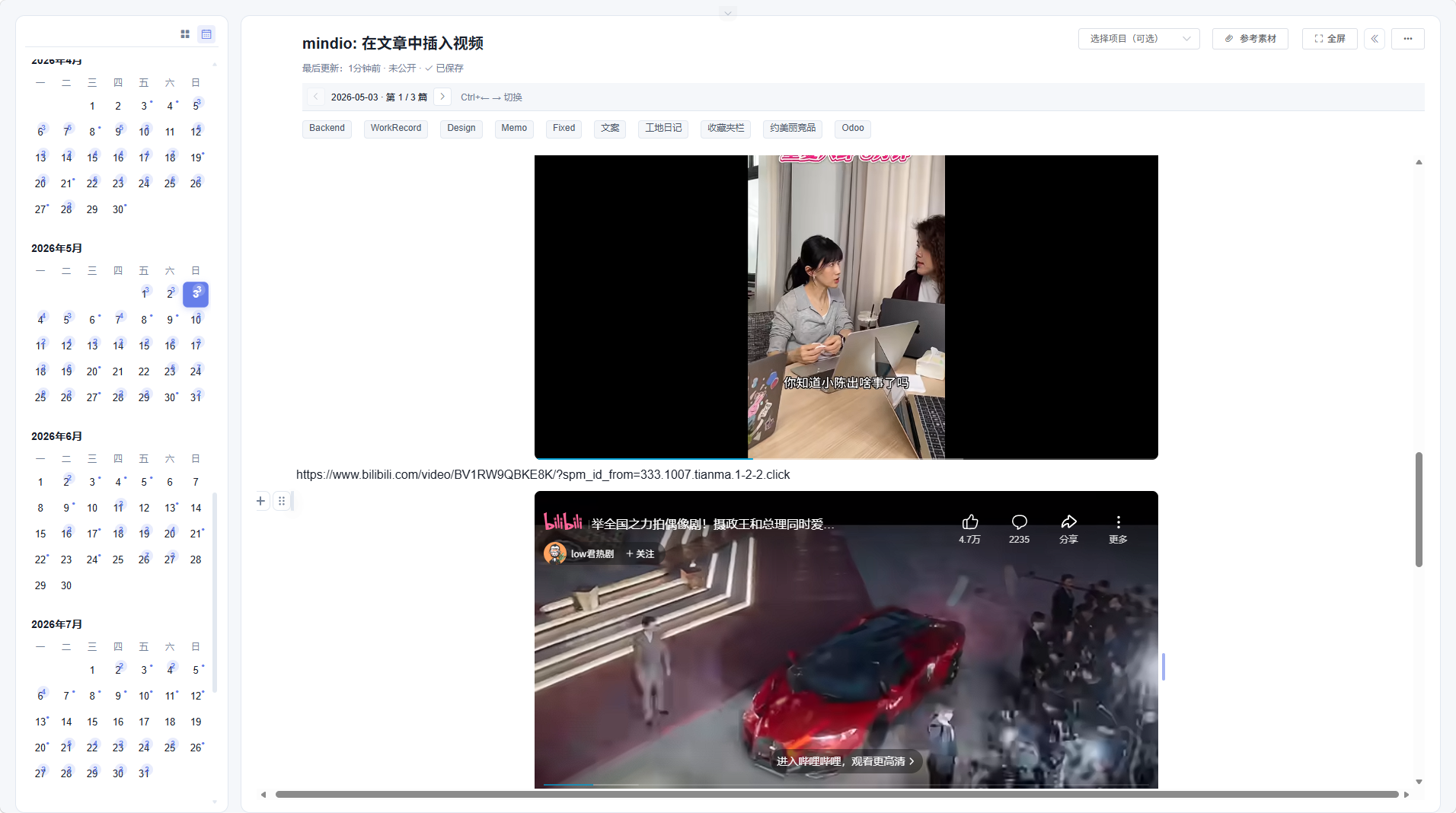
Video embeds
Embed Bilibili, Douyin, and YouTube videos directly in your notes.
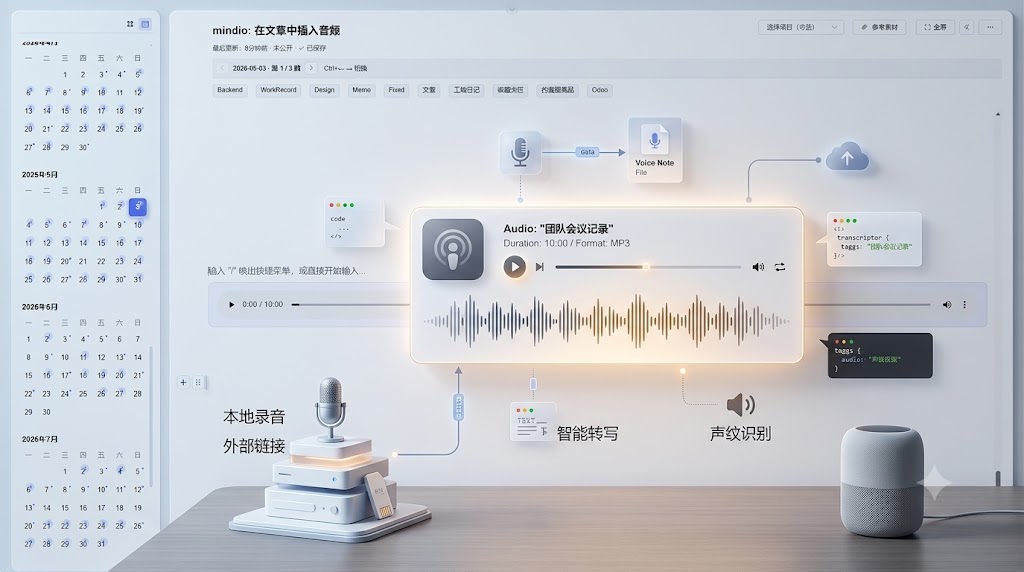
Audio embeds
Embed audio clips directly in your notes.
Browse
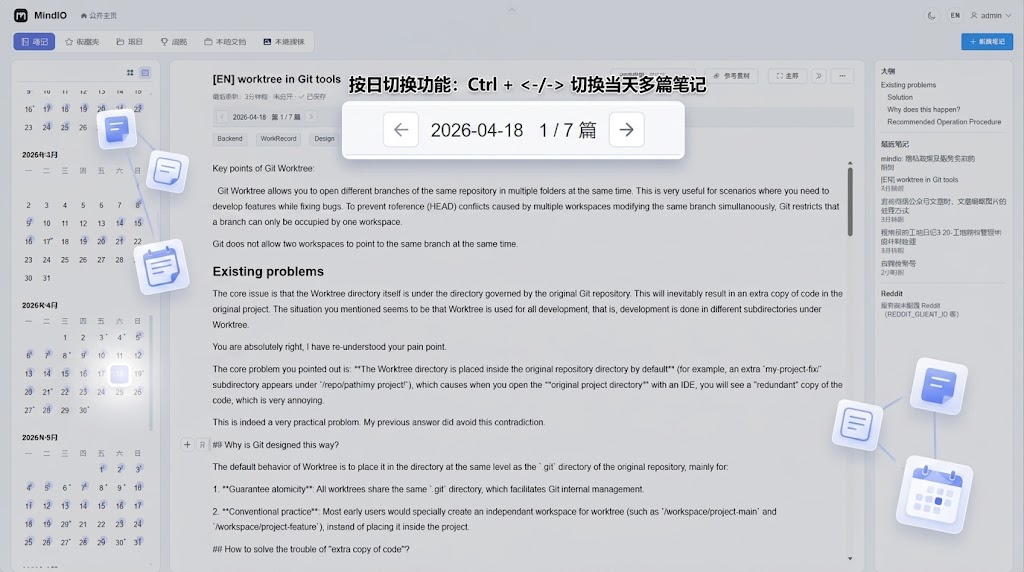
Day Navigation
See how many notes you wrote each day, and jump straight to any of them.
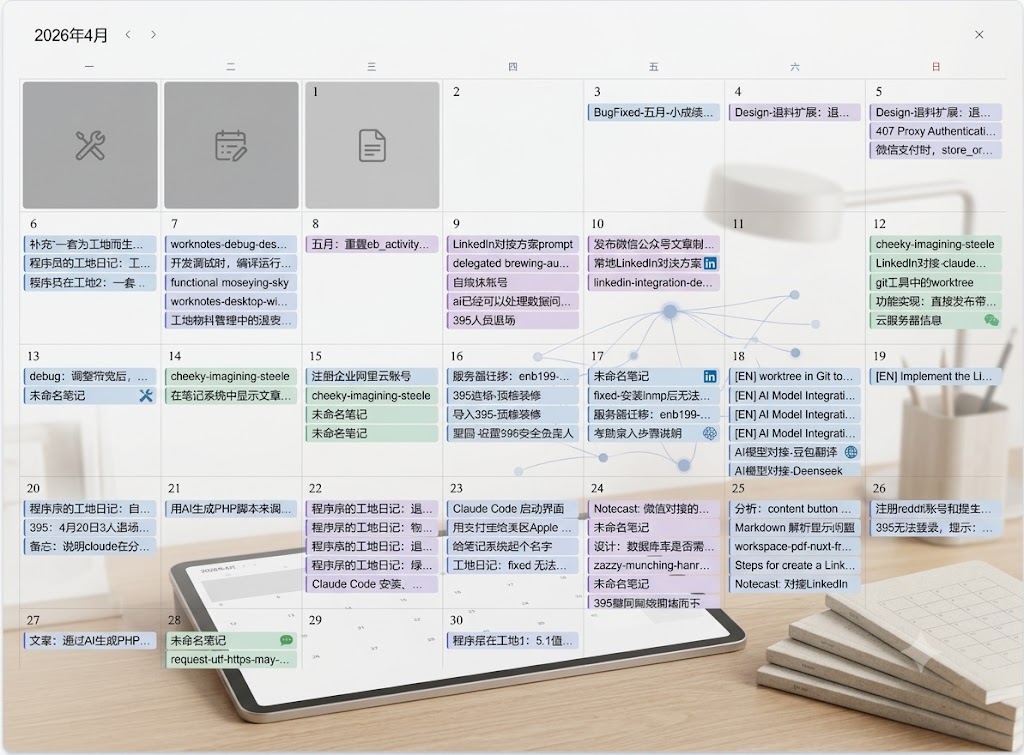
Month Overview
Browse a full month of notes on a calendar view.
Collections
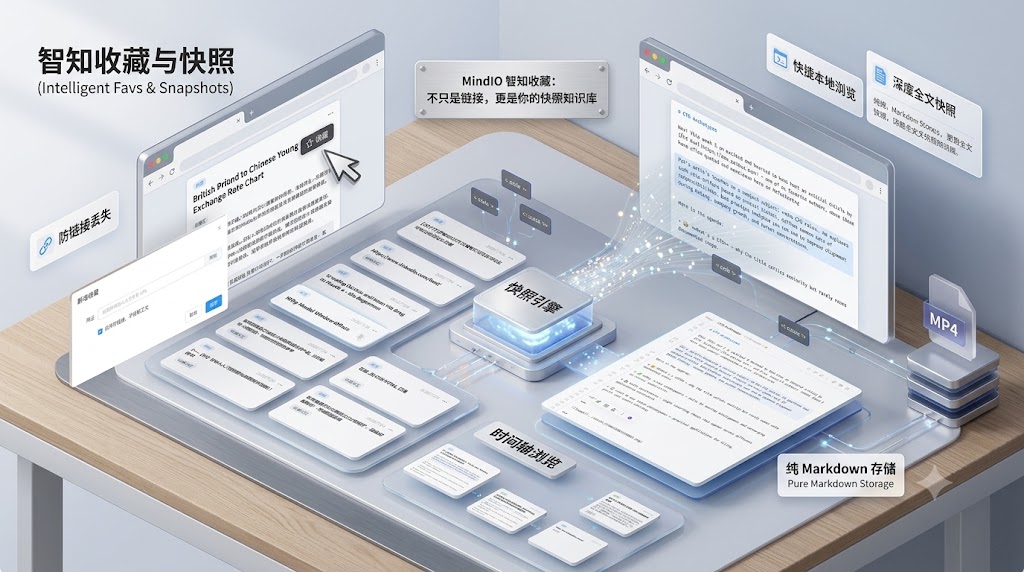
Save any link
Quickly save any URL to your collection.

Save WeChat articles
Save WeChat official account articles to your collection.
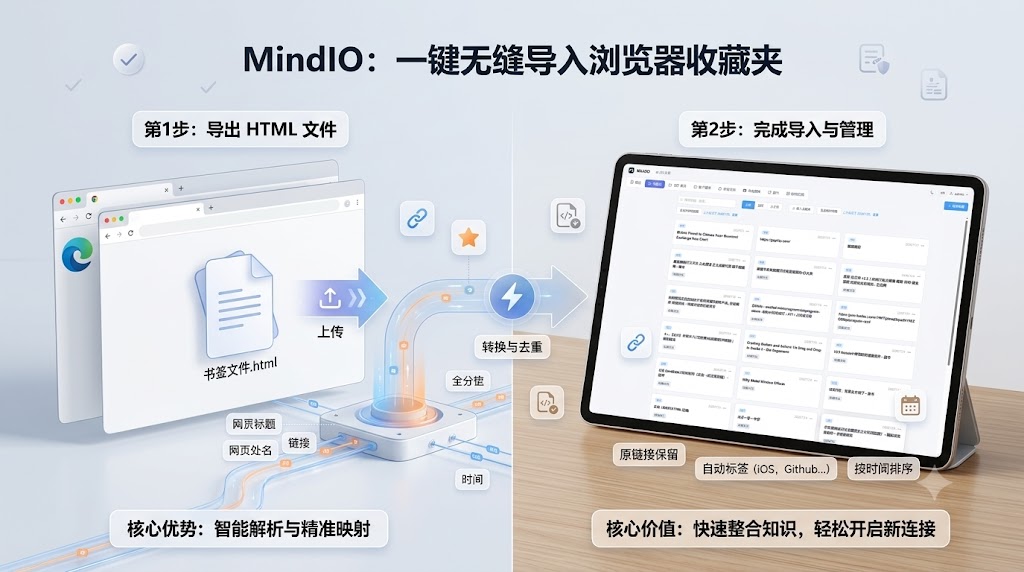
Import browser bookmarks
Bring in your existing browser bookmarks in bulk.
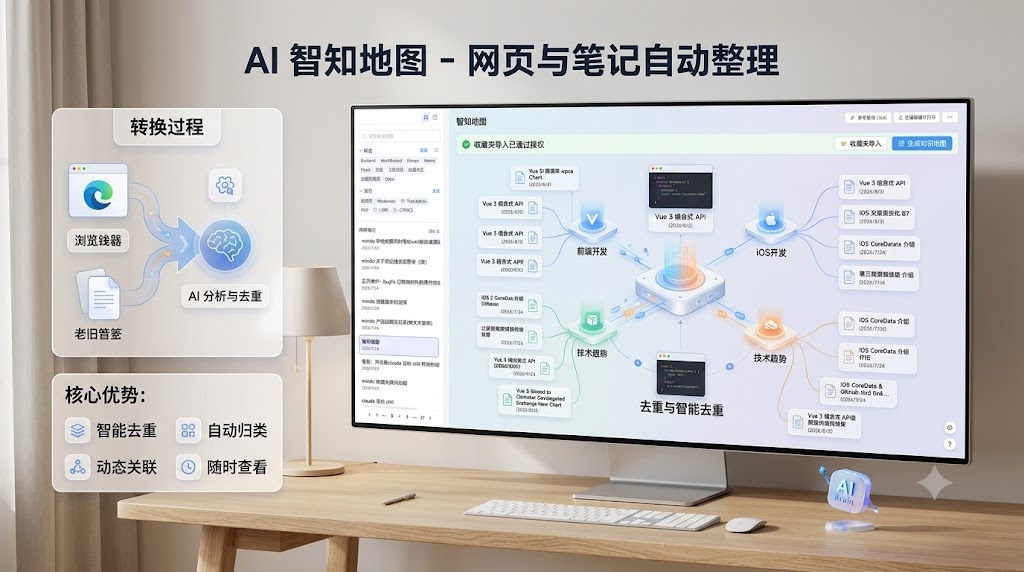
AI topic classification
AIBookmarks sort themselves into topics automatically.
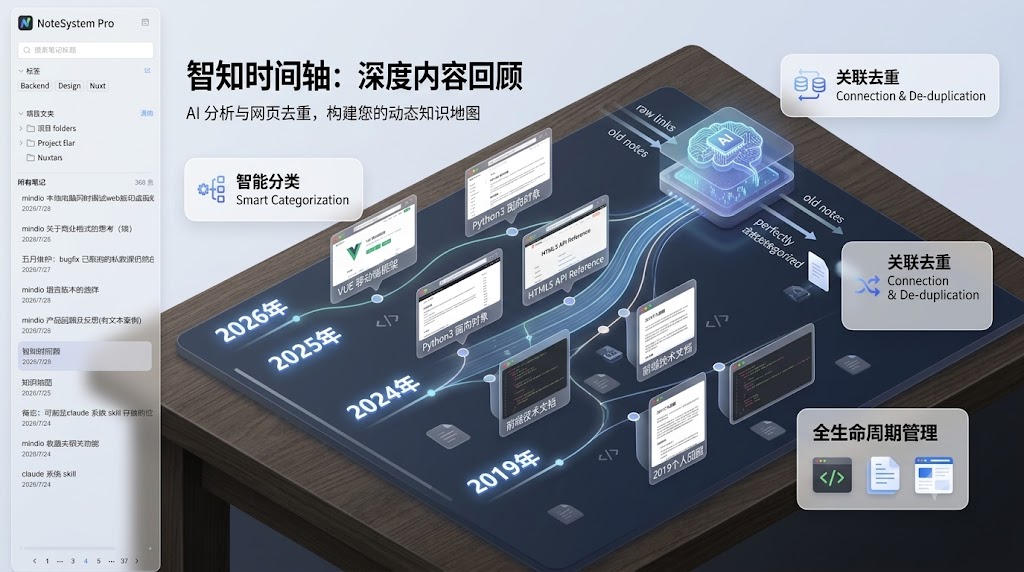
AI timeline classification
AIBookmarks organize themselves along a timeline automatically.
Publish
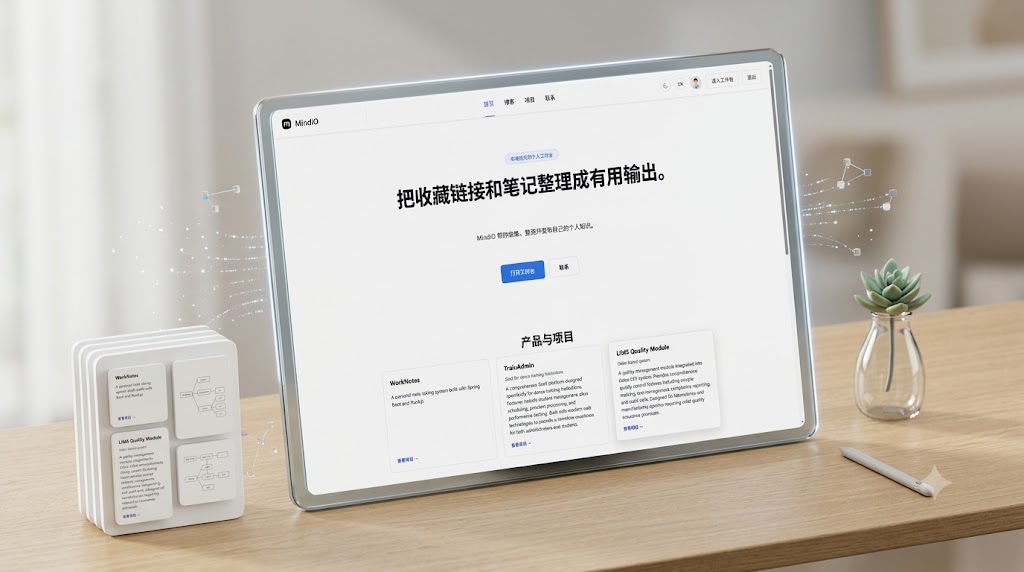
Personal site
Publish your notes as your own personal website.
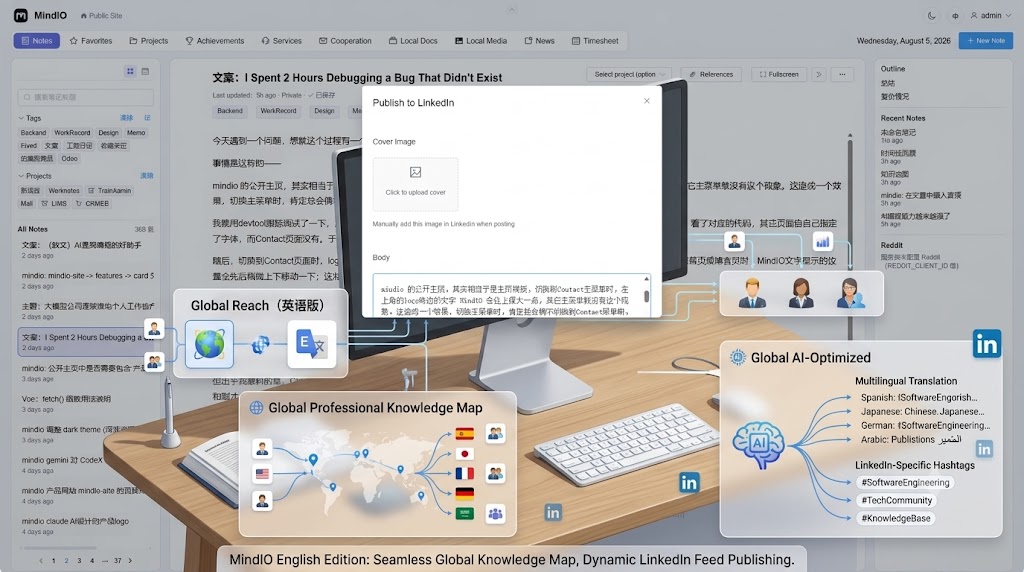
LinkedIn & Reddit publishing
Publish directly to LinkedIn or Reddit.